What Apps Help You Plan a Multi-Day Hiking and Camping Itinerary


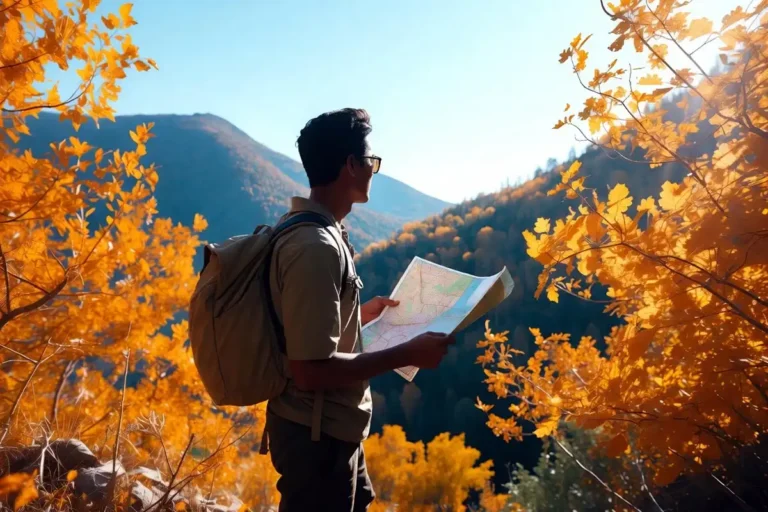
Several apps work together to help you plan a multi-day hiking and camping itinerary, covering route mapping, campsite booking, weather tracking, and gear checklists. This guide walks through the best options I use, organized by purpose, so you can build a complete planning system before your first night out. Whether you are preparing for a 3-day loop or a week-long backcountry trip, the right combination of apps reduces uncertainty and improves your safety on trail.
The best apps for planning a multi-day hiking and camping trip are:
- AllTrails or Gaia GPS for route planning and trail maps
- Recreation.gov or The Dyrt for campsite booking
- Mountain Forecast or Windy for elevation-based weather
- PackPoint for gear and packing checklists
Use these four categories together. No single app covers everything well.
What Makes a Good Multi-Day Planning App?
A good planning app provides accurate maps, offline access, and data you can act on before you leave home.
Apps that only work with cell signal fail in backcountry zones. Offline capability is the single most important feature for any trail or navigation tool.
Campsite booking apps need live availability data. Route apps need elevation profiles, trail conditions, and waypoint support. Weather apps need forecasts specific to altitude, not just nearest town.
Apps for Trail Route Planning and Navigation
AllTrails
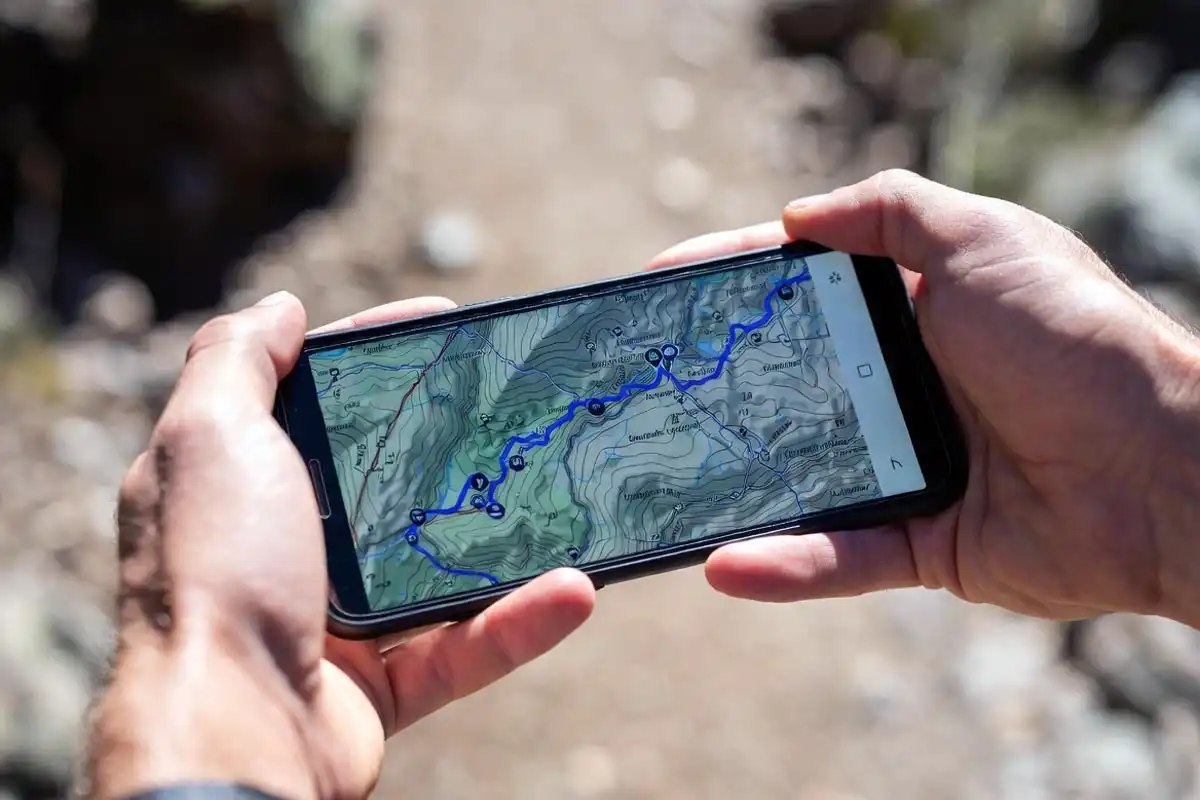
AllTrails provides over 400,000 trail maps with user-submitted reviews, photos, and condition reports. The free version delivers basic maps and reviews. AllTrails Pro adds offline map downloads, elevation profiles, and wrong-turn alerts.
I use AllTrails to check trail ratings, recent conditions, and estimated finish times before committing to a route. The community notes are particularly useful for flagging washed-out sections or seasonal closures.
AllTrails works on iOS and Android and exports routes as GPX files for other devices.
Gaia GPS
Gaia GPS delivers high-resolution topographic maps with contour lines, public land boundaries, and satellite imagery. It supports offline map downloads for large areas, which makes it reliable in dead zones.
Gaia GPS lets you build custom multi-day routes, drop waypoints for water sources and campsites, and share trip plans with others. I rely on it when I need precise terrain data that goes beyond what AllTrails shows.
As someone who has hiked in areas with no signal for days at a time, offline topo maps are not optional. I covered navigation skills in depth in my guide on navigating without GPS in a forest, which pairs well with app-based planning.
Komoot
Komoot generates turn-by-turn routes based on your fitness level and chosen surface type. It highlights highlights, warns of steep sections, and connects segments across multiple days into a single itinerary.
Komoot suits hikers who want structured route guidance rather than raw map data.
Apps for Campsite Booking and Discovery

Recreation.gov
Recreation.gov handles reservations for federally managed campgrounds across US national forests, national parks, and Bureau of Land Management sites. It shows real-time availability, site maps, and permit requirements.
Many popular backcountry sites require advance permits through Recreation.gov. Booking 6 months ahead is standard for high-demand areas like Yosemite or the Boundary Waters.
The Dyrt
The Dyrt aggregates campsite listings from federal, state, and private sources. Users submit photos, reviews, and condition reports for over 45,000 locations across the United States.
The Dyrt Pro adds offline access and trip planning tools that save campsite details for areas without cell coverage.
Hipcamp
Hipcamp focuses on private land camping. Landowners list farms, ranches, and backcountry properties that traditional booking sites do not cover.
Hipcamp works well when public sites are fully booked or when you need a specific location between two trail segments.
Apps for Weather Forecasting on Trail
Mountain Forecast
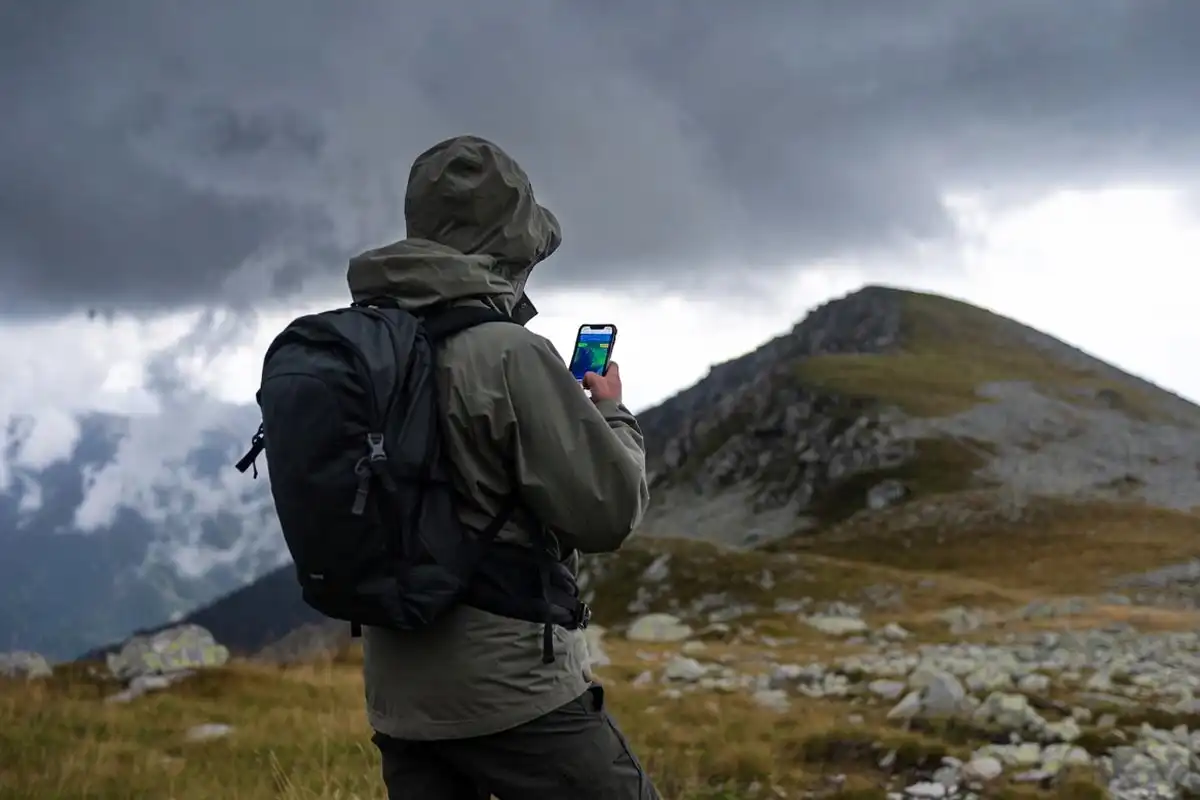
Mountain Forecast provides weather data tied to specific mountain elevations rather than valley towns. It delivers forecasts for multiple altitude bands on the same peak, which matters when your camp sits 3,000 feet above the nearest weather station.
Conditions at the summit and at base camp differ significantly. A town forecast 10 miles away does not reflect what you will experience on an exposed ridge.
Windy
Windy visualizes wind speed, precipitation, and storm systems on an animated map. It covers 7-day forecasts and lets you zoom into specific terrain features to assess exposure.
I use Windy alongside Mountain Forecast. Mountain Forecast gives altitude-specific temperature and precipitation data; Windy shows wind patterns and incoming fronts across the broader region.
Choosing the right season also shapes what weather you face. I covered that decision in detail in my article on picking the best season for a destination trip.
Apps for Packing Lists and Gear Checklists
PackPoint
PackPoint generates a packing list based on your destination, trip length, planned activities, and weather conditions. It adds or removes items automatically when you change trip details.
PackPoint reduces the chance of forgetting gear that only matters in specific conditions, such as rain gear for a wet forecast or bear canisters for certain wilderness areas.
Notes or Spreadsheet Apps
For multi-day trips, I keep a shared note in Google Keep or Apple Notes to track food quantities, water sources, and daily mileage targets. A simple spreadsheet handles per-person calorie planning and shared gear distribution across a group.
If you are planning food quantities for your hike, my earlier article on eat before and during a long day hike gives specific calorie targets and food types that hold up well on trail.
How to Use These Apps Together for a Multi-Day Itinerary
Planning a multi-day itinerary works best as a sequence. Each app handles a specific stage.
Step 1: Build your route. Open Gaia GPS or AllTrails. Search your target area, review trail options, and build a day-by-day route. Check total elevation gain per day and identify water sources.
Step 2: Book campsites. Cross-reference your route against Recreation.gov and The Dyrt. Confirm site availability for each night. Note whether permits are required and secure them early.
Step 3: Check weather. Open Mountain Forecast 5 to 7 days before departure. Note temperature ranges at your camping elevation and check Windy for incoming storm systems.
Step 4: Build your packing list. Input your trip into PackPoint. Add trip-specific items that PackPoint does not generate automatically, such as bear canisters or water filters for your specific water sources.
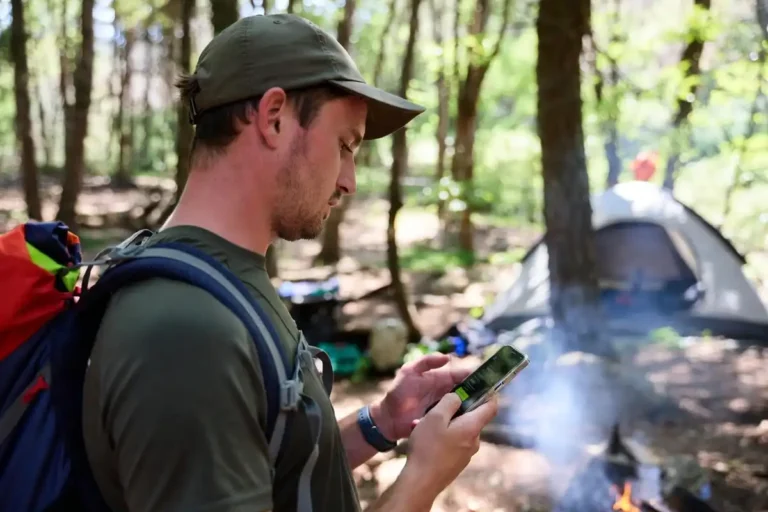
Step 5: Download offline data. Download offline maps in both AllTrails and Gaia GPS for your full route area. Save campsite details in The Dyrt. Screenshot key weather forecasts.
Step 6: Share your plan. Send your route, campsites, and expected return date to someone who is not on the trip. Gaia GPS generates a shareable trip link.
For a practical overview of the full day hike planning process, I covered the core approach in my guide on planning a day hike to avoid getting lost, which applies equally to the per-day segments of a multi-day trip.
Which Apps Work Offline Without Cell Signal?
Offline capability separates reliable trail apps from apps that fail when you need them most.
| App | Offline Maps | Requires Subscription |
|---|---|---|
| Gaia GPS | Yes (full topo) | Yes (Premium) |
| AllTrails | Yes (trail maps) | Yes (Pro) |
| The Dyrt | Yes (campsite data) | Yes (Pro) |
| Maps.me | Yes (road and trail) | Free |
| Recreation.gov | No | Free |
Gaia GPS and AllTrails require paid tiers for offline access. Maps.me provides free offline maps globally, though its trail detail is less granular than Gaia GPS.
Download offline areas at home before departure. Cell coverage disappears faster than most maps suggest.
Common Mistakes When Using Planning Apps
Relying on a single app for navigation. AllTrails works well for marked trails. It does not replace a topographic map when trails are faint or unmarked. Carry both.
Forgetting to download offline data. App maps default to streaming. Without a deliberate offline download, maps fail at the trailhead.
Booking campsites without checking permit requirements. Recreation.gov lists sites, but some require a separate wilderness permit. Confirm both before your trip.
Using town weather data for mountain camps. A 72-degree forecast for the nearest town can mean sub-freezing temperatures at a 10,000-foot camp. Always use elevation-specific forecasts.
Not sharing your itinerary. Apps do not call for help. A shared trip plan with a trusted contact does. Keeping someone informed is a baseline safety practice I covered in my guide on staying safe while solo camping.
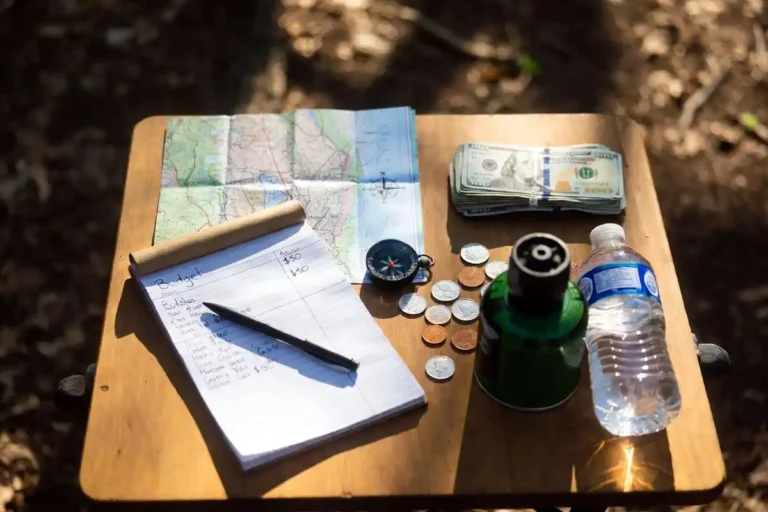
Skipping a budget check. App-based booking makes it easy to add campsites without tracking costs. I wrote a full breakdown of outdoor trip budgeting in my article on plan an outdoor trip budget.
FAQs about Apps that Help Plan a Multi-Day Hiking and Camping Itinerary

Is AllTrails free or paid?
AllTrails provides a free tier with basic trail maps and reviews. AllTrails Pro, which adds offline maps, elevation profiles, and wrong-turn alerts, costs around $35.99 per year. Most casual hikers get enough value from the free version for planning.
What is the best app for booking backcountry campsites?
Recreation.gov covers US federal sites in national parks and forests. The Dyrt covers a broader range including private and dispersed sites. Use both together. Recreation.gov handles permits; The Dyrt handles discovery and condition reports.
Can I use these apps outside the United States?
Gaia GPS, Komoot, and AllTrails all carry international trail data, though coverage density varies by country. Gaia GPS has the strongest international topo data. Komoot performs well in Europe.
Do I need a GPS device if I have a phone?
A dedicated GPS device provides longer battery life and better durability in wet or extreme cold conditions. A phone with offline maps covers most trips well. For week-long backcountry routes far from trailheads, a dedicated GPS unit adds a meaningful safety margin.
What is the most accurate weather app for hiking?
Mountain Forecast provides the most accurate elevation-specific forecasts for mountain environments. Windy adds strong wind and storm visualization. Using both together delivers a more complete picture than either app alone.
Conclusion
Planning a multi-day hiking and camping itinerary takes four categories of tools: navigation, campsite booking, weather, and gear organization. AllTrails and Gaia GPS handle routes and maps. Recreation.gov and The Dyrt handle campsite access. Mountain Forecast and Windy cover weather at altitude. PackPoint reduces packing errors.
No single app replaces the full system. Use them in sequence, download offline data before you leave, and share your plan with someone at home. That combination handles most of what goes wrong before it happens.